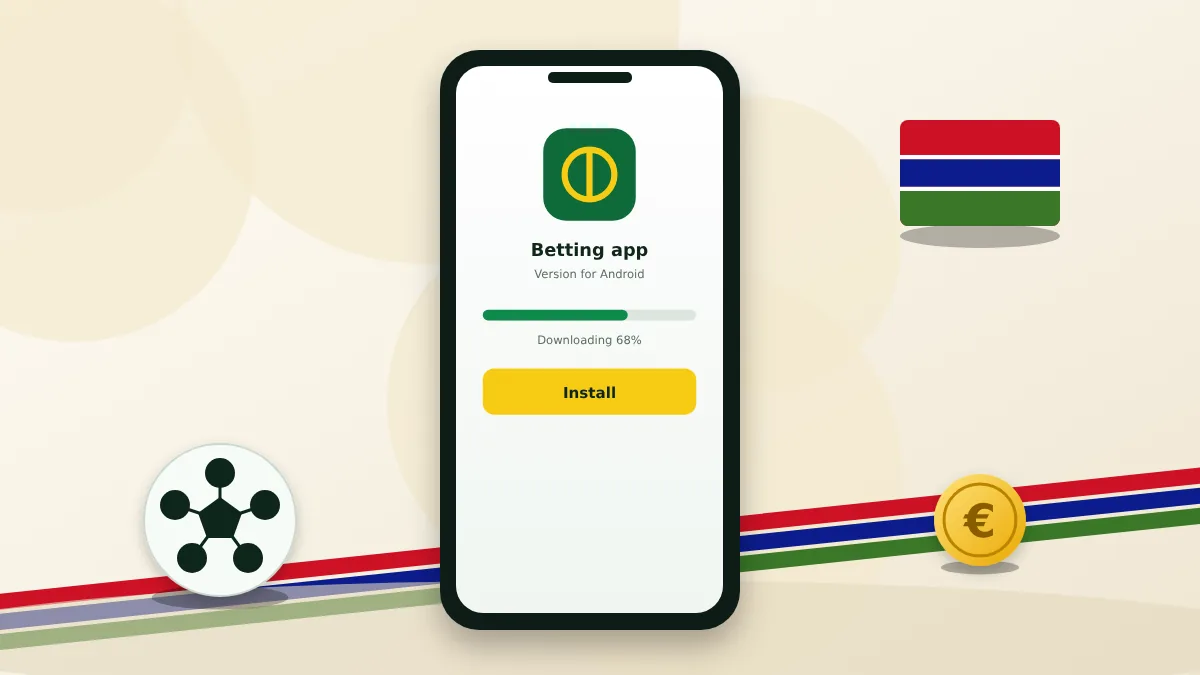
Three ways to play on mobile
The mobile website needs nothing installed. The Android app is installed from an APK file. The iOS app comes from the App Store where it is listed. All three share the same account and balance.
| Feature | Mobile site | App |
|---|---|---|
| Installation | None | Required |
| Storage | None | About 70 MB on Android |
| Notifications | No | Yes |
| Biometric login | No | Yes |
| Updates | Automatic | Manual on Android |
Installing on Android
- Open the bookmaker's site in the phone browser and go to the mobile apps page.
- Tap the Android button and confirm the download.
- Allow installation from this source when the phone asks.
- Open the file and tap Install.
- Launch the app and log in or register.
Download the APK only from the bookmaker's own website. Copies on file-sharing sites can be out of date or altered.
Logging in and quick login
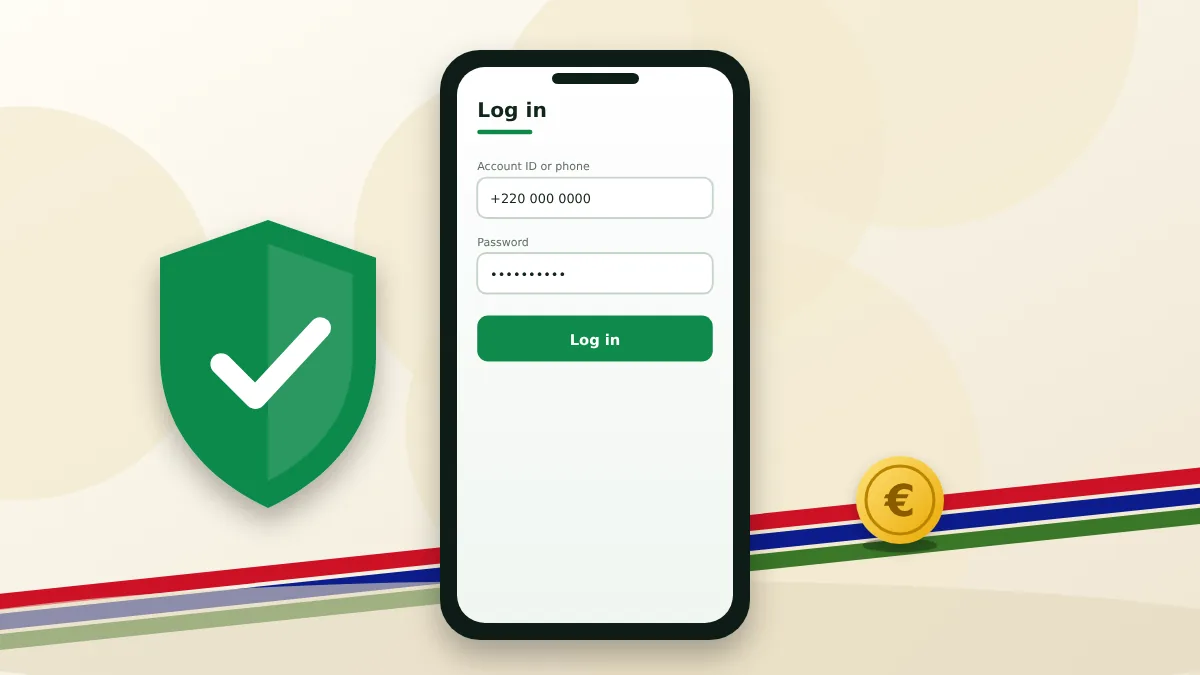
The first login in the app is the standard one, with your phone number or account ID and the password. After that the app offers to keep the session open and to unlock with a fingerprint, a face scan or a PIN.
When the app misbehaves
Try these in order before contacting support:
- update to the latest version from the official page;
- switch between Wi-Fi and mobile data;
- set the phone's date and time to automatic;
- clear the app cache or reinstall it;
- use the mobile site to see whether the problem is the app or the account.
App questions
Common questions about the apps and the mobile site.
Is the app free?
Yes. Downloading and using it costs nothing beyond your normal mobile data.
Why is the Android app not in Google Play?
Store policies restrict real-money gambling apps in many countries, so the bookmaker distributes the Android version as an APK file.
How much data does the app use?
Browsing and betting use very little. Live streams use the most, so switch them off on a limited bundle.
Does the welcome bonus work in the app?
Yes. The offer is tied to the account, not the device.